

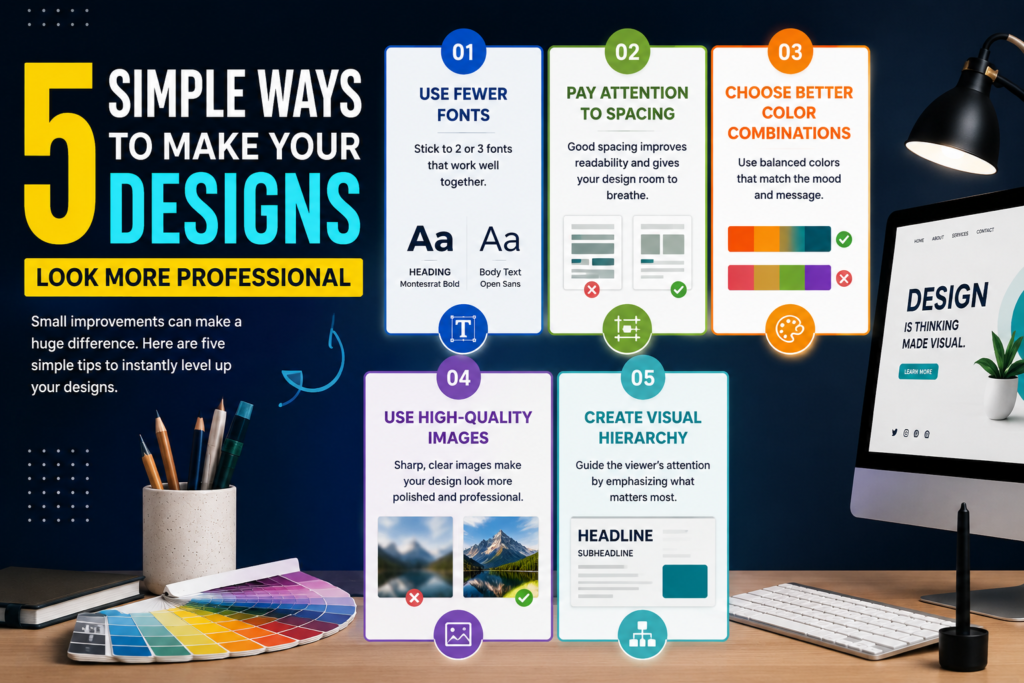
Creating professional-looking designs does not always require expensive tools or years of experience. Often, small improvements can make a huge difference in the overall quality and appearance of your work. Here are five simple ways to instantly improve your designs.
1. Use Fewer Fonts
One common design mistake is using too many fonts in a single project. Too many font styles can make a design look cluttered and confusing. Instead, choose two or three complementary fonts that create balance and consistency throughout the design.
2. Pay Attention to Spacing
Good spacing gives designs a clean and organized appearance. Leaving enough white space between elements improves readability and helps important content stand out more clearly. A crowded design often feels overwhelming to viewers.
3. Choose Better Color Combinations
Colors play a powerful role in visual communication. Professional designs usually use balanced color palettes that match the mood and message of the project. Avoid using too many bright or conflicting colors at once.
4. Use High-Quality Images
Blurry or low-quality images can instantly reduce the quality of a design. Always use sharp, clear, and high-resolution visuals whenever possible. High-quality images create a more polished and professional impression.
5. Create Visual Hierarchy
Visual hierarchy helps guide the viewer’s attention. Important information should stand out first through larger text sizes, bold elements, or stronger contrast. Organizing content clearly makes designs easier to understand and more visually appealing.
Professional design is not only about making things look beautiful — it’s about communication, balance, and clarity. The more you practice these simple principles, the stronger and more polished your designs will become over time.